Editing an Inventory Block
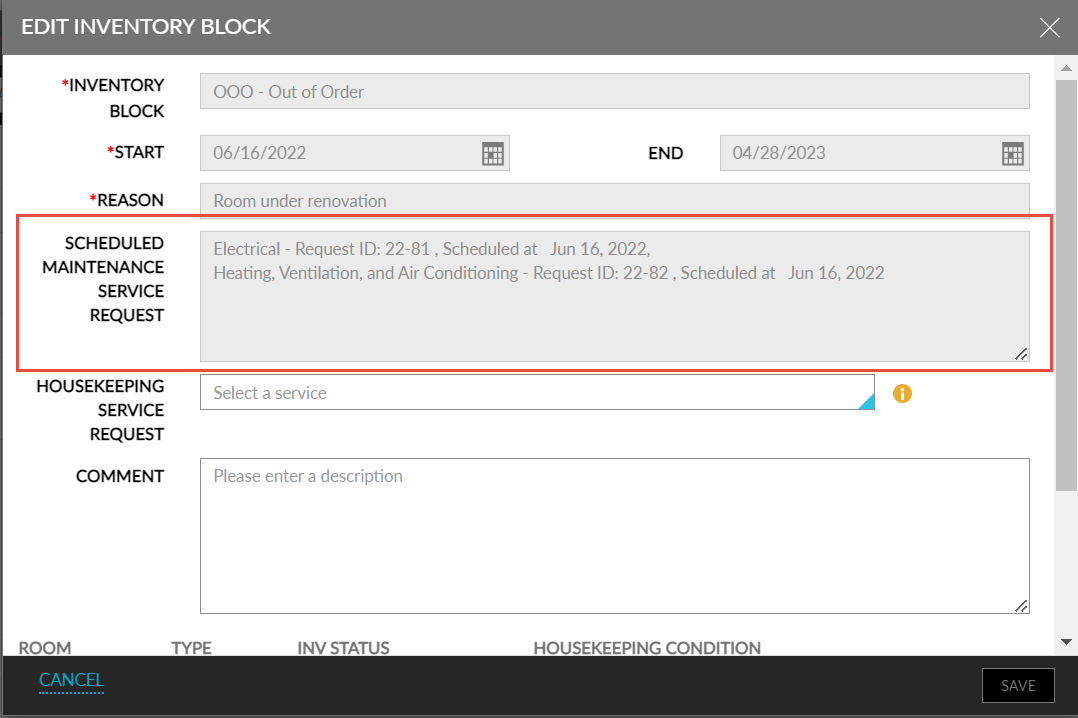
The following fields are disabled in the Edit Inventory Block screen:
-
Inventory Block
-
Start date and End Date
-
Reason
-
Maintenance Service Request
-
The Scheduled Maintenance Service Requests field displays the maintenance requests created when creating the Inventory Blocks. The requests are displayed in the following format:
Name of the service request followed by the ID and the scheduled date of the request For example, Heating, Ventilation, and Air Conditioning: Request 22-7 Scheduled at 11:43 | Dec 02, 2022